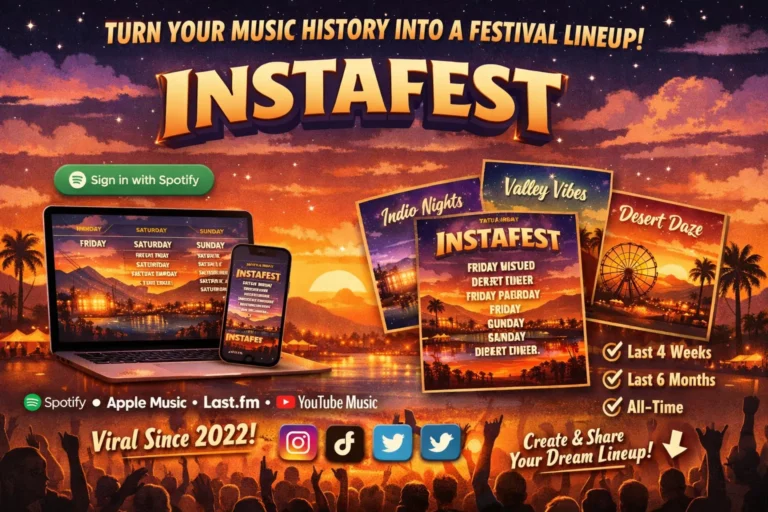

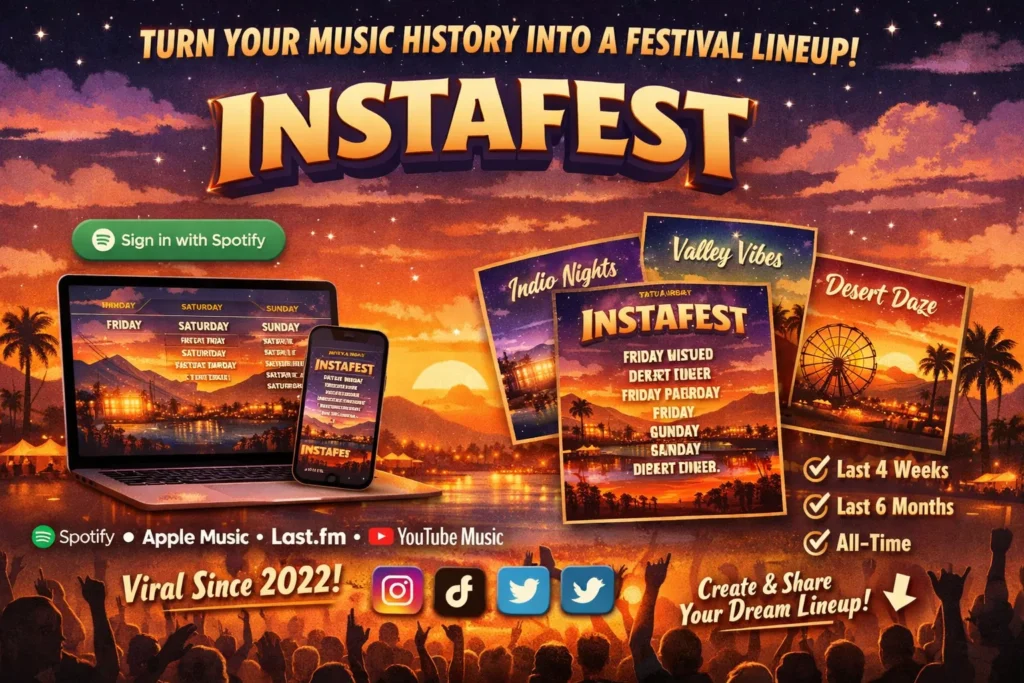
If you’ve seen a colorful, Coachella-style poster with your friends’ favorite artists splashed across three fake festival days, you’ve seen Instafest. It’s a free, third-party web tool that turns your Spotify (or Apple Music, or Last.fm) listening history into a shareable festival lineup poster, and it’s been resurfacing on social media every year since it first went viral in November 2022. Here’s exactly what it is, how it pulls your data, and how to make one yourself.
Key Takeaways
- Instafest is a free, independent web app at instafest.app, created in 2022 by Anshay Saboo, a computer science student at the University of Southern California.
- It is not made or endorsed by Spotify. It connects through Spotify’s official, publicly documented Web API to read your top artists, nothing more.
- You can generate a poster from the last 4 weeks, the last 6 months, or your all-time listening history and choose from several Coachella-inspired visual themes.
- Beyond Spotify, Instafest also supports Last.fm natively and Apple Music or YouTube Music via playlist links.
- It cannot post on your behalf, edit your Spotify account, or access private account details like payment information or passwords.
What Exactly Is Instafest?
Instafest is a single-purpose web app: it reads your most-listened-to artists and lays them out like a real festival poster, with headliners in large type at the top and lesser-played artists shrinking down toward the bottom, mimicking exactly how lineup posters for events like Coachella are typically designed.
The idea came from a fairly ordinary moment. Saboo told TechCrunch he built the first version after scrolling through Coachella content on TikTok and wondering what a lineup would look like if he could book it himself using his own listening habits, a story confirmed in Digital Trends’ interview coverage of the app’s launch. What started as a small personal project turned into one of the most widely shared music tools of that year, spreading across Instagram Stories and TikTok in the run-up to Spotify Wrapped season.
How Does Instafest Work?
Instafest connects to your account using Spotify’s official Web API, the same publicly documented interface third-party developers use to build any Spotify-connected app, rather than scraping data or requiring a password outside Spotify’s own login flow. Once you authorize it, the process is
- Sign in with Spotify (or connect Last.fm, or paste an Apple Music or YouTube Music playlist link).
- Choose your timeframe: last 4 weeks, last 6 months, or all-time.
- Instafest pulls your top artists for that period and ranks them by listening frequency.
- A poster generates automatically, with your most-played artists sized largest, arranged across a multi-day festival layout.
- Customize the theme, festival name, and visible artists, then download or share the image.
Support for other platforms rolled out gradually. Saboo added Last.fm compatibility on 28 November 2022 and Apple Music two days later, according to his own posts on X at the time. By November 2023, TechCrunch reported that Instafest had added the ability to generate a poster directly from an Apple Music or YouTube Music playlist link, along with three new Coachella-inspired themes called Indio Midnight, Valley Sunset, and Desert Nova.
Is Instafest Safe to Use?
This is the most common concern people search for, and it’s a reasonable one given that the app asks for account access. A few points worth knowing:
- Instafest uses Spotify’s standard OAuth login flow, meaning you authorize it through Spotify’s own official sign-in page, and Instafest never sees or stores your Spotify password.
- The permissions requested are limited to read-only listening data and your top artists and tracks, not your saved payment methods, email, or the ability to post, follow, or modify your account.
- It cannot automatically post anything to your social media accounts on your behalf; sharing a poster is always a manual, separate step you initiate.
That said, it’s still a third-party tool built and maintained by an independent developer, not Spotify itself, so it’s worth applying the same basic caution you would with any app requesting account access: only authorize it through Spotify’s official login screen, and revoke access afterward from your Spotify account’s connected-apps settings if you don’t plan to use it regularly.
Instafest vs. Spotify Wrapped: What’s the Difference?
People often bring these up together because they serve a similar emotional function, turning listening data into something shareable, but they’re built differently and controlled by different companies.
| Feature | Instafest | Spotify Wrapped |
|---|---|---|
| Built by | Independent developer (Anshay Saboo) | Spotify directly |
| Format | Festival lineup poster | Animated slides and stats summary |
| Timeframes | Last 4 weeks, 6 months, all-time | Full calendar year only |
| Availability | Available year-round | Released once annually, typically late Autumn/Winter |
| Platform support | Spotify, Last.fm, Apple Music, YouTube Music | Spotify only |
| Official status | Third-party, unaffiliated with Spotify | Official first-party Spotify feature |
Instafest is often described as a way to “preview” your Wrapped-style top artists earlier in the year, since it works on demand rather than waiting for Spotify’s own annual release.
How Do I Make My Own Instafest Poster?
- Go to instafest.app in any browser, desktop or mobile.
- Select “Sign in with Spotify” and log in through Spotify’s official authorization page, or choose the Last.fm, Apple Music, or YouTube Music option instead.
- Pick your listening timeframe.
- Wait a few seconds while your poster generates.
- Adjust the theme, festival title, and which artists appear, if you’d rather hide a guilty-pleasure act from the headline slot.
- Download the image or share it directly to social media.
If your poster looks outdated, that’s expected behaviour rather than a bug: Instafest generates a snapshot at the moment you request it and doesn’t refresh automatically, so you’ll need to regenerate it to reflect more recent listening, and all-time data in particular can take a while to shift.
The Bottom Line
Instafest earned its viral moment honestly: it’s a simple, well-built idea, executed cleanly, using Spotify’s own public API rather than anything shady. If you’re weighing whether to try it, the practical answer is yes, it’s safe to use through the official instafest.app site and Spotify’s standard login flow, just don’t confuse it for an official Spotify product, and revoke its access afterward if you’re not planning to make it a habit. Head to instafest.app, pick your timeframe, and see who’s headlining your personal festival this year.
FAQ Section
Is Instafest an official Spotify app?
No. Instafest is an independent, third-party web app created by developer Anshay Saboo in 2022. It connects to Spotify through the platform’s public Web API but has no official affiliation with or endorsement from Spotify.
Is it safe to connect my Spotify account to Instafest?
Yes, when accessed through the official instafest.app site and Spotify’s own login page. Instafest only requests read access to your listening history and cannot post, edit, or access sensitive account details like your password or payment information.
Can I use Instafest with Apple Music or YouTube Music?
Yes. Since a November 2023 update, Instafest supports generating a poster from an Apple Music or YouTube Music playlist link, in addition to its original Spotify and Last.fm integrations.
Why does my Instafest poster look outdated?
Instafest generates a poster based on your listening data at the exact moment you request it and doesn’t refresh automatically. You need to regenerate a new poster to reflect recent listening, and changes based on all-time data can take longer to appear.
How is Instafest different from Spotify Wrapped?
Wrapped is Spotify’s own official, once-a-year feature covering a full calendar year of listening. Instafest is a year-round, independent tool that lets you generate a poster from the last 4 weeks, 6 months, or all-time data, and supports platforms beyond Spotify.
Read More: What’s Actually in the Rox.com Products Catalog? (Hint: It’s Not a Retail Store)